
New to Helbreath
Windows
After this page you will know how to open a window, close it, and move it out of the way.
A window is a box that opens over the game: your bag, your spell book, a shop. You will open and close them all the time, so learn this early.
Opening windows
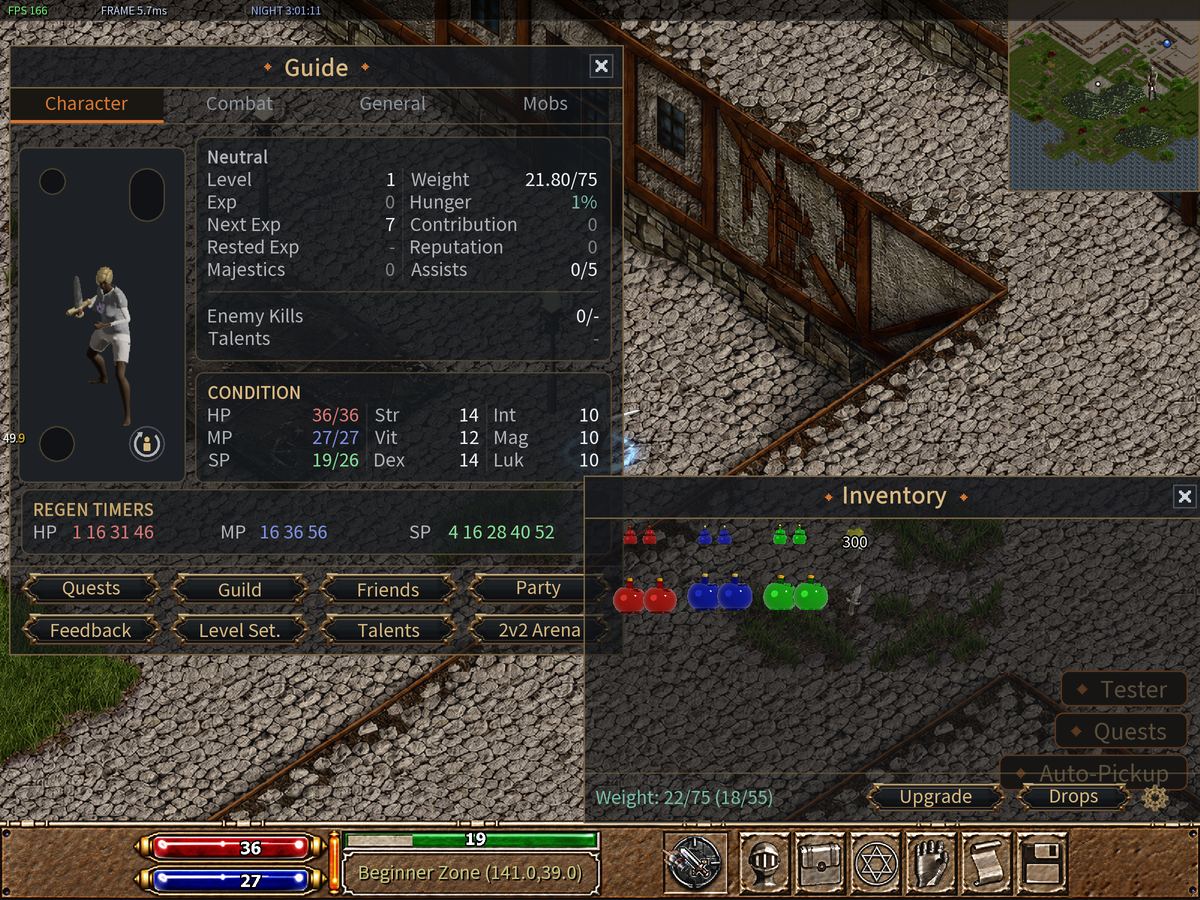
The keys along the top of your keyboard open the main ones. Players call them the F keys.
| Key | Window |
|---|---|
| F5 | Character — your hero |
| F6 | Inventory — your bag |
| F7 | Magic — your spell book |
| F8 | Skills |
| F9 | Chat History |
| F12 | System Menu (F10 opens it too) |
| Ctrl+Q | Quest — jobs you can do for rewards |
| Ctrl+M | the minimap |
| Ctrl+H | Help |
The buttons on the bottom bar open the same windows. Use whichever you like.
Closing windows
There are four ways. Each one closes a window.
- Click the X in the top right corner of the window.
- Right Click anywhere on the window.
- Press the same key again. F6 opens your bag, and F6 closes it.
- Press Esc. It closes the window on top. Press it again to close the next one.

A few windows will not close this way, because the game needs an answer from you first. They have their own button. Click that button instead.
Moving windows
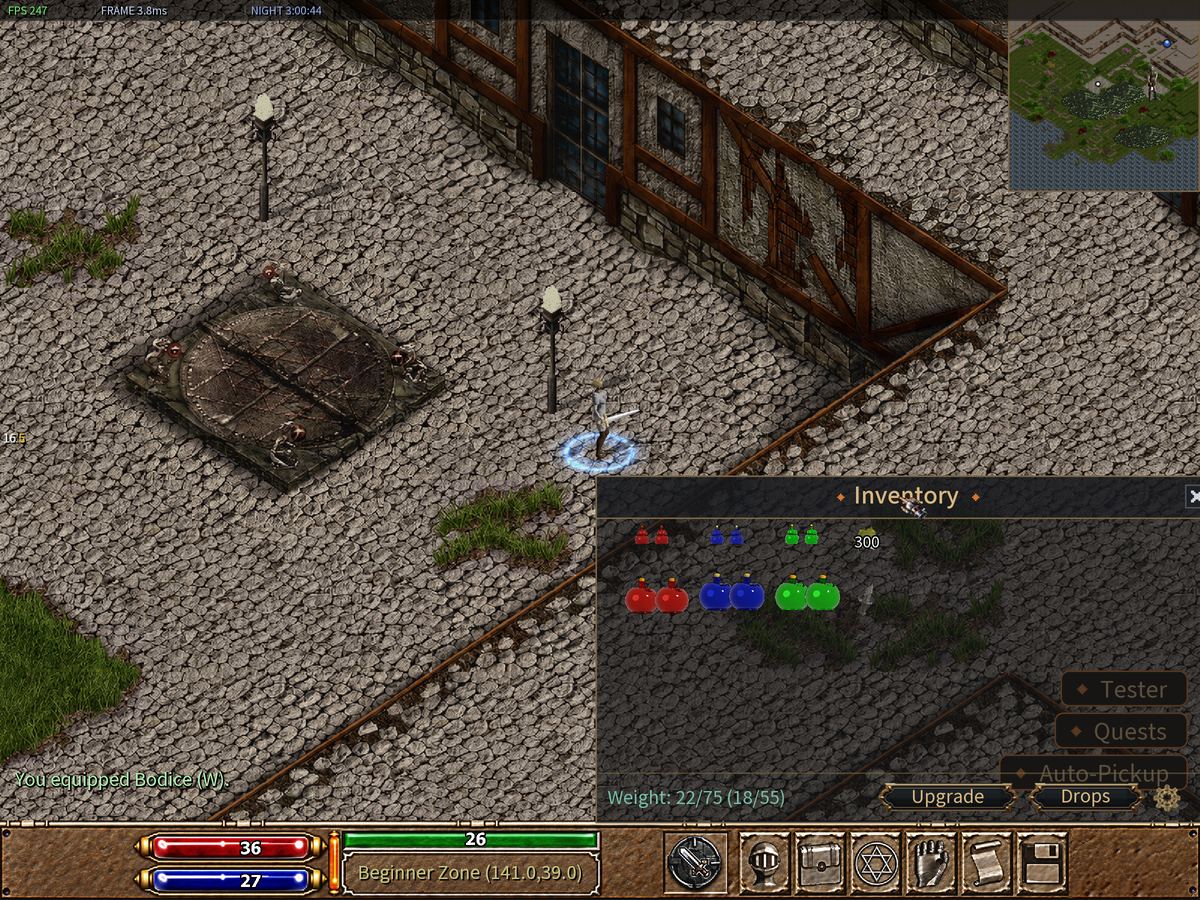
Windows can get in the way of the fight. Move them.
Press and hold the left mouse button on the top strip of a window, drag it where you want, and let go. The game remembers where you left it.
Tabs and buttons inside a window
Some windows have tabs: labels along the top that switch what the window shows. The Character window has four: Character, Combat, General and Mobs.
It also has buttons along the bottom. You will use these soon:
- Level Set. — spend the points you get when you level up.
- Talents — special powers you choose at level 10 and level 40.
- Quests, Party, Guild, Friends — playing with other people.
The help inside the game
Press Ctrl+H to open Help. It has short tips on every part of the game, sorted by topic. You can also pick your language in the System Menu (F12). It changes right away.
Try it now
- Press F5, then close it with the X.
- Press F6, then close it with Right Click.
- Press F6 again and drag your bag to the right side of the screen.
- Open Character and click each of its four tabs.